 Private server checklist
Play MECCHA CHAMELEON With Friends
Use this MECCHA CHAMELEON private server guide before inviting friends: create the room from the current multiplayer/server flow, choose visibility, room name, password, region, tags, mode, and player count deliberately, then share only the details your group needs outside this site.
MECCHA CHAMELEON private server 60-second checklist
- 1
Host from the current multiplayer/server menu and confirm everyone is on the same game version.
- 2
Choose the right visibility: private for friends-only tests, public only when you want search-list traffic.
- 3
Set a clear room name, password if used, region, tags, mode, map, and player count before inviting.
- 4
Tell friends whether to use a Steam invite or manual server search, and whether they should search private or public games.
- 5
Keep the first teaching room smaller than the maximum reported by source player count so new players can learn the loop.
- 6
If a friend cannot join, stop changing random settings and open the lobby troubleshooting checklist.
Before inviting friends
Explain the loop first, share room details second.
Use a quick visual explanation for new players, then confirm version, room visibility, mode, and privacy-safe details before sending invites.
Set up lobby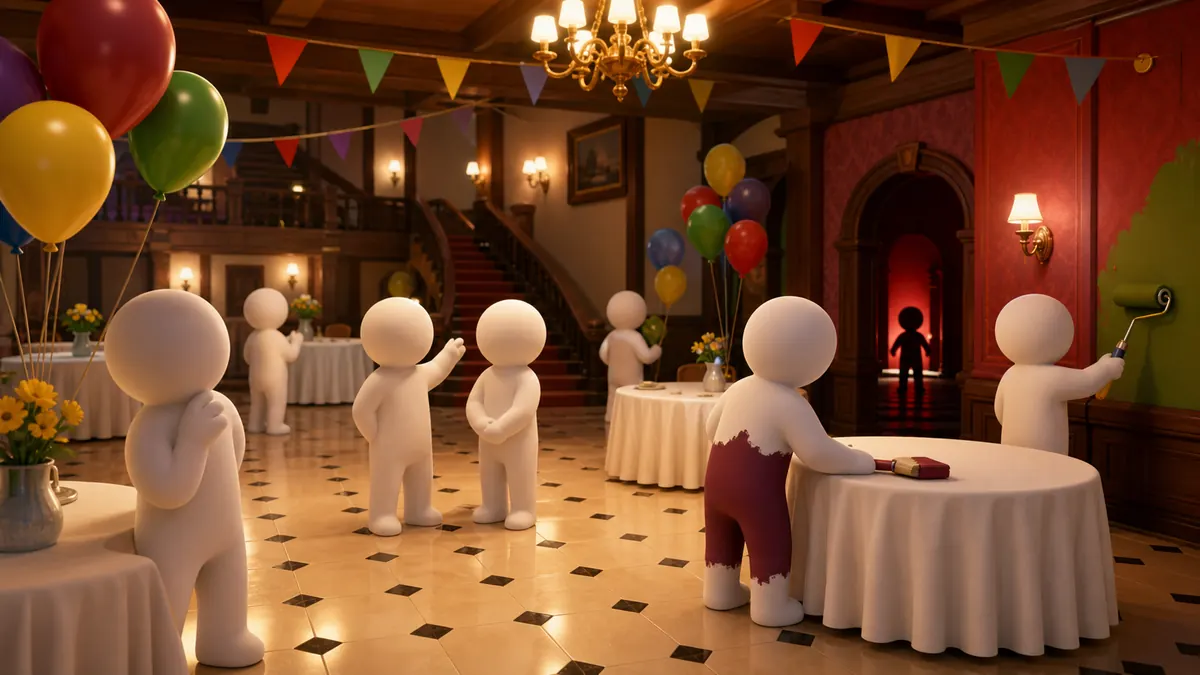
Confirm version, visibility, room name, password, region, tags, mode, map, player count, and invite path before sending details.
Create, name, and share the room
Third-party multiplayer guides consistently describe the room setup around concrete fields: server name, optional password, visibility, region, tags, mode, and invitations. Before sending invites, write those fields down for your group, then change only one field at a time if friends cannot find the room.
Choose modes, tags, and player count
Guides report higher max-player settings, while beginner rooms are easier to teach at smaller counts. Recent update notes also changed server-list tags, so use mode, tag, and player-count settings as live room configuration, not permanent advice.
Room flow visual
Map the room fields before the group starts guessing.
Pair the host checklist with a quick visual pass: room setup first, map or Workshop choice second, then one short test before a full lobby.
Open lobby fix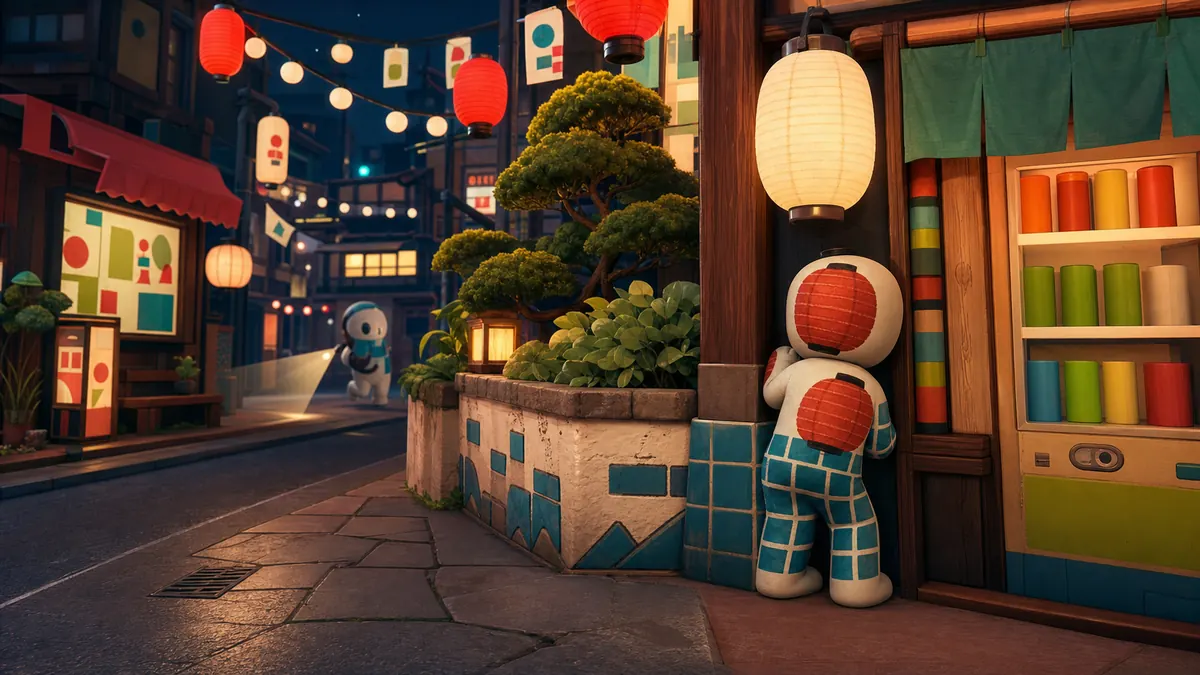
When to use each lobby path
| Session type | Best setup | Why it helps |
|---|---|---|
| First two-player test | Private room, clear room name, optional password, Basic mode, simple map, low player count. | New players can test movement, F paint mode, R pose menu, and tagging without public-room pressure. |
| Regular friend group | Private or friends-only room, shared invite path, known region, selected mode, and one retest after patches. | Everyone can compare the same room fields if joining fails. |
| Streamer or viewer room | Hidden password, privacy-safe overlay, clear rules, and a delayed public reveal if needed. | Room details stay off screen until the host is ready. |
| Workshop or custom-map test | One Workshop item, one private room, and one short round before recommending the map. | It proves every player can load the same content before a longer session. |
Room setup details players usually miss
A useful room setup note should answer the fields the host actually controls: server name, optional password, visibility, region, tags, mode, map, player count, and invite path. Fill those in before sending invites, then change only one field at a time if friends cannot join.
Reported player limits can be high, but teaching rounds work better when players can still hear instructions and review the same mistake. Keep room credentials in your own private channel and use this guide to decide which field to compare when a friend cannot join.
- 1
Create from the current multiplayer/server menu and choose a clear server name.
- 2
Use a password when the session should stay private; keep it off stream overlays and public chat.
- 3
Keep the player count modest for teaching rounds even if a guide reports a higher max-player limit.
- 4
Use tags or Steam friend invites when available so friends do not have to guess the room.
- 5
If the first friend cannot join, stop changing settings and use the lobby checklist in order.
Private room field check
| Room field | Why it matters | Source-based note |
|---|---|---|
| Visibility | Private and public rooms are found through different expectations. | Tell friends whether to use an invite, private search, or public search. |
| Room name and password | One mistyped field can look like a server outage. | Share details only in your own private group channel. |
| Region and tags | Guides and update notes show server-list metadata can affect discovery. | Use clear region/tag choices and recheck after patches. |
| Mode, map, and count | The wrong mode or an oversized lobby makes first matches confusing. | Start smaller than the reported by source maximum when teaching new players. |
FAQ
How do I host a MECCHA CHAMELEON private server?
Use the current multiplayer/server flow, create a MECCHA CHAMELEON private server room, choose visibility, set the room name/password/region/tags/mode/player count, then invite friends or tell them exactly how to search.
What should I share with friends?
Share the room name, password if used, visibility/search mode, invite path, region, mode, map, and player-count plan in your own private channel.
What should I check before blaming the server?
Check same version, room visibility, private/public search mode, exact room details, invite behavior, recent update notes, and whether the host should recreate the room.